
OPEN DAILY
OPEN
HONEST
TRUST
LET'S CHAT



Instead of manually comparing Google Analytics 4 conversions with campaign reports, build a consent-aware feedback workflow that sends validated outcomes to a supported DSP conversion interface. A GA4 DSP bid optimisation integration connects measurement to bidding; it does not make GA4 an auction-time bidding engine—this 2026 guide shows where each part belongs.
TL;DR
A demand-side platform, or DSP, buys advertising through automated auctions. Its bidding system needs usable signals: which outcomes count, which advertising interactions they relate to, and whether processing is permitted.
Google Analytics 4 records website and app activity. A purchase appearing in GA4 does not prove that a DSP received, matched or used it. Treat those as separate checkpoints.
Cake.Shop is a modular programmatic platform for independent agencies and brands building their own advertising stack. Its scope includes media buying and reporting, rich media and DOOH creative, data clean rooms and publisher supply. Start with the Cake.Shop platform scope, then confirm the required conversion interface rather than assuming a native GA4 connector.
The practical objective for 2026 is a traceable feedback loop, not a dashboard labelled real-time.
Stop if the DSP cannot explain how an incoming event becomes eligible for optimisation. A reporting upload and a bidding signal are not necessarily the same thing.
The event contract defines what a conversion means and how each system should interpret it. Keep this definition outside individual dashboards so your analytics, engineering and media teams use the same rules.
Expected result: You can describe an accepted conversion without referencing a particular dashboard, and a test event contains the fields needed by the agreed downstream route.
For the 2026 implementation record, keep the event definition, ownership and revision history together. Changing a lead definition without changing the optimisation configuration makes historical comparisons misleading.
Choose a route based on documented destination support, not the promise of instant reporting. These are alternative architecture patterns, not interchangeable connectors.
Documented direct connector
BigQuery processing
Parallel first-party collection
Expected result: An accepted event reaches a controlled processing destination, or the documented direct connector exposes a verifiable delivery status.
BigQuery streaming export is not a promise that every event immediately changes a bid. Collection, processing, matching and DSP model updates remain distinct stages. For a parallel collection route, share the business event definition with GA4 rather than assuming that the feed contains identical records.
The hand-off to the DSP is where measurement becomes an operational input. A successful request alone is insufficient: the destination must recognise the conversion and make it eligible for the intended campaign objective.
Expected result: You can trace an outcome from collection to destination acceptance, explain whether it matched and show whether it is eligible for bidding.
For a 2026 handover, organise the evidence around these checkpoints:
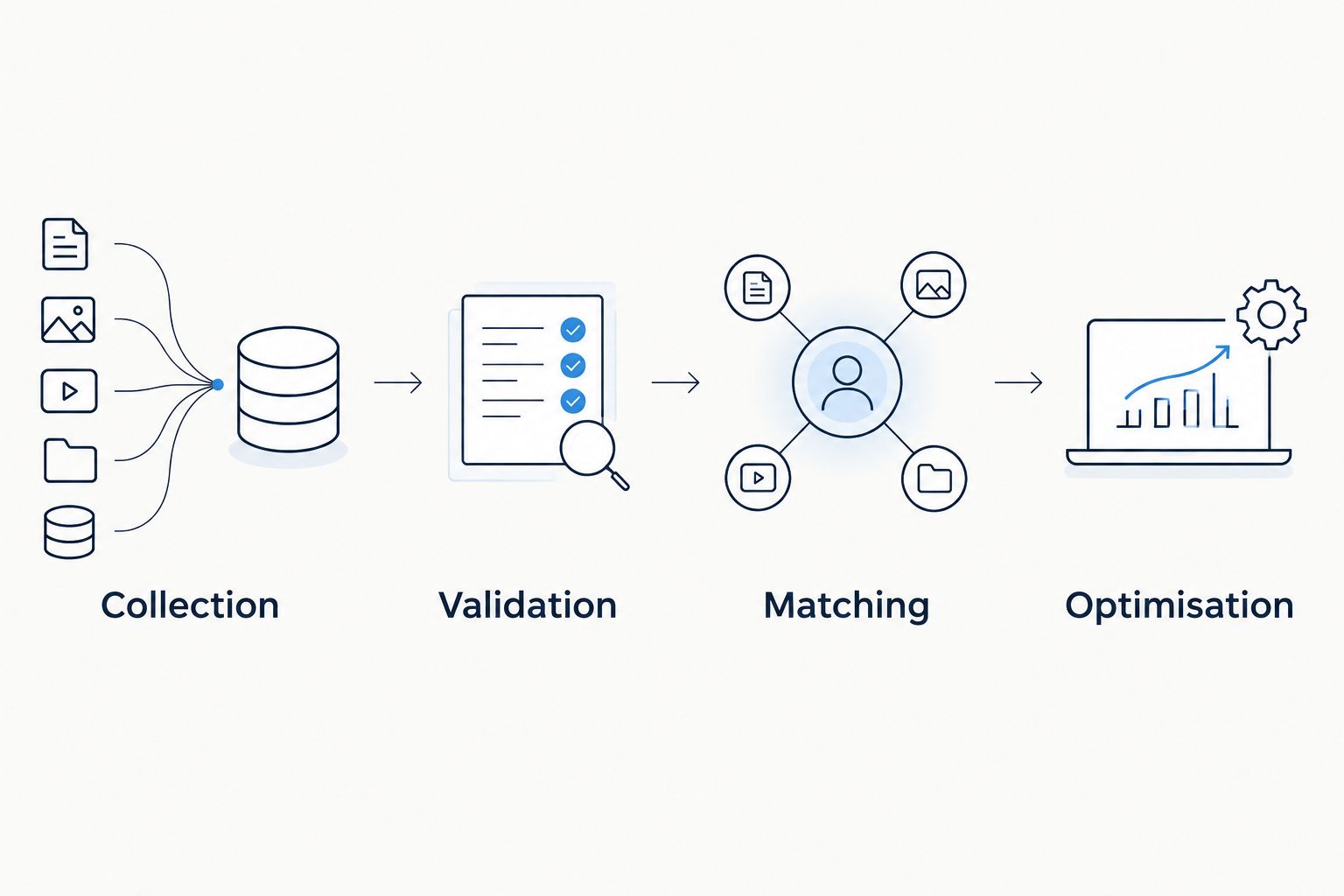
Validate each hand-off; a collected event is not automatically an optimisation signal.
Test the integration as a data pipeline before judging campaign performance. A media result cannot diagnose a missing identifier or a duplicated purchase reliably.
Expected result: You can explain discrepancies at each hand-off and stop the integration without dismantling the rest of the advertising stack.
Do not use matching totals alone as proof of correctness. Two systems can display the same conversion count while attributing different transactions. Reconcile identifiable test outcomes where permitted, then review aggregate reporting.
Audience activation is an adjacent workflow, not a substitute for conversion feedback. Use it when a business event should change eligibility—for example, excluding a completed purchaser from an acquisition campaign.
Expected result: Eligible customer-state changes alter the intended audience membership without being misreported as new conversions.
Where collaboration requires controlled data matching, review the data clean room for media agencies guide. A clean room supports a defined collaboration process; it does not guarantee destination matching or permission to activate every record.
Inspect destination acceptance logs before changing bids. Check the conversion mapping, authentication, timestamp format, required matching fields and rejection responses. A record accepted for reporting still needs separate confirmation of optimisation eligibility.
Check whether retries generate new identifiers or whether multiple collection routes send the same outcome. Preserve a stable business outcome identifier and apply the destination's documented deduplication mechanism. Re-run the duplicate test before restoring normal delivery.
Compare definitions before totals: event date versus attribution date, reporting timezone, attribution window, consent coverage and eligible traffic. GA4 measurement and DSP attribution answer different questions. Record the reason for each known difference rather than altering data to make dashboards match.
Validate the supported identity route and the relationship between the conversion and advertising interaction. Do not treat a GA4 client identifier as a universal advertising identifier. Remove unsupported fields rather than attempting to repair matching by adding personal information to GA4.
Measure collection-to-ingestion and ingestion-to-acceptance separately. Locate the delay before changing the architecture. If analytics export timing does not meet the documented requirement, assess a supported parallel first-party feed while retaining GA4 for measurement.
For Cake.Shop enquiries, bring the event contract and destination requirements, not just a request to connect GA4. Ask which conversion delivery, matching, reporting and control requirements the proposed setup supports. Obtain explicit answers before treating any integration as available.
The stack discussion should cover more than media buying. Connect reporting definitions to rich media and DOOH creative measurement, then specify how publisher supply will appear in reporting. Do not assume a website conversion provides a deterministic response signal for every advertising channel.
Treat the 2026 integration specification as a boundary document: it should say what the workflow supports, what it excludes and who owns each failure. Cake.Shop's modular scope makes these cross-component questions relevant; it does not establish any particular connector's capabilities.
Can GA4 optimise DSP bids directly?
GA4 is not a general-purpose DSP bidding engine. A DSP needs a supported route for receiving and using conversion feedback; seeing an event in GA4 does not establish that route.
Does BigQuery export make GA4 conversions real-time bidding signals?
No. BigQuery export makes event data available for processing, while delivery, matching and optimisation remain separate steps. Verify each stage against the destination's documented requirements.
Do I need BigQuery for a GA4 DSP bid optimisation integration?
Not necessarily. A documented direct connector or supported parallel first-party conversion feed can provide another route. Choose according to destination support, control requirements and your team's operating capacity.
Can I use a GA4 client identifier to match every DSP user?
No. A GA4 client identifier is not a universal DSP identity. Confirm a permitted matching method supported by the destination before building the feed.
Why do GA4 and DSP conversion reports show different totals?
Different attribution rules, time boundaries, consent coverage and conversion definitions can produce different totals. Reconcile those settings and trace test outcomes before treating a difference as a delivery fault.
Does Cake.Shop have a native GA4 bid optimisation connector?
Confirm the supported integration route with Cake.Shop before implementation. Its stated platform scope does not establish a native GA4 connector, supported ingestion fields or feedback timing.
What should an agency ask for before approving this workflow in 2026?
Ask for the event mapping, permitted identity route, consent controls, delivery evidence, deduplication rules and rollback procedure. Also confirm whether accepted events are eligible for the intended bidding objective.
Test what happens when the same conversion arrives again. Network retries are a normal integration concern; the destination must distinguish another delivery from another business outcome. A convincing dashboard is not a substitute for that test.
Build a dynamic creative stock level trigger with validated inventory, approved assets and verified activation. Follow setup, testing and fallback guidance.
Read more →Google Ad Manager publisher supply integration needs a verified route. Map inventory, validate creative delivery and reconcile publisher and buyer reporting.
Read more →Set up a LiveRamp DSP integration with destination checks, audience mapping, suppression tests and reporting controls before activating first-party campaigns.
Read more →Book a 30-minute demo and see exactly how Cake.Shop works — no sales pitch, just the platform.